
Time clocking and attendance
QR time clocking and electronic attendance records
Replace the paper attendance sheet with a QR code at the entrance and a timer on the phone. People scan in and out, and the hours land in your time records without anyone retyping them.
New
No more clocking in “from a photo of the code”
A printed code can be photographed and scanned from home. In Planopia the code can be shown on a tablet at the entrance — a new one every 30 seconds — and each scan can check that the employee is on site. You turn this on for each code separately.
Tablet code, new every 30 s
A photo taken earlier will not work. The tablet does not sign in as an employee — a link and a browser are enough.
Location at the moment of the scan
See whether a clock-in happened on site or 1.2 km away. Just record it, flag unusual scans, or block them.
Unusual scans stand out
Badges on sessions, an “Unusual scans only” filter, and a dedicated section in the PDF and Excel report.
A report for one site
The QR location filter recalculates the calendar, summary, and PDF for the chosen site only.
No tracking: location is read only at the moment of the scan, and employee coordinates are never stored.
Why a paper attendance sheet is not enough
- A signature proves someone showed up, but not when they started and finished — proper records need both.
- Hours written on paper still have to be retyped into a spreadsheet before payroll.
- Across several sites or field crews, nobody knows in real time who has already started.
What time clocking in Planopia does
Every scan records an entry or exit against a specific code, so you know not only when, but where.
- Named QR codes — one per site, project, or entrance; any code can be deactivated at any time.
- Clock in and out with a single phone scan — no reader and no extra hardware.
- A printed code or one shown on a tablet at the entrance that changes every 30 seconds — chosen per location.
- Optional location check at scan time — the result and distance from the site, without tracking anyone.
- A work timer with breaks — an alternative to QR for desk-based work.
- Activity, task, and quantity done (e.g. pcs, m²) on each session — productivity without a separate spreadsheet.
- Recorded hours feed the same time records you export to PDF and Excel — also for a single site.
- A live view for admins, HR, and supervisors — who is working right now, without phoning around.
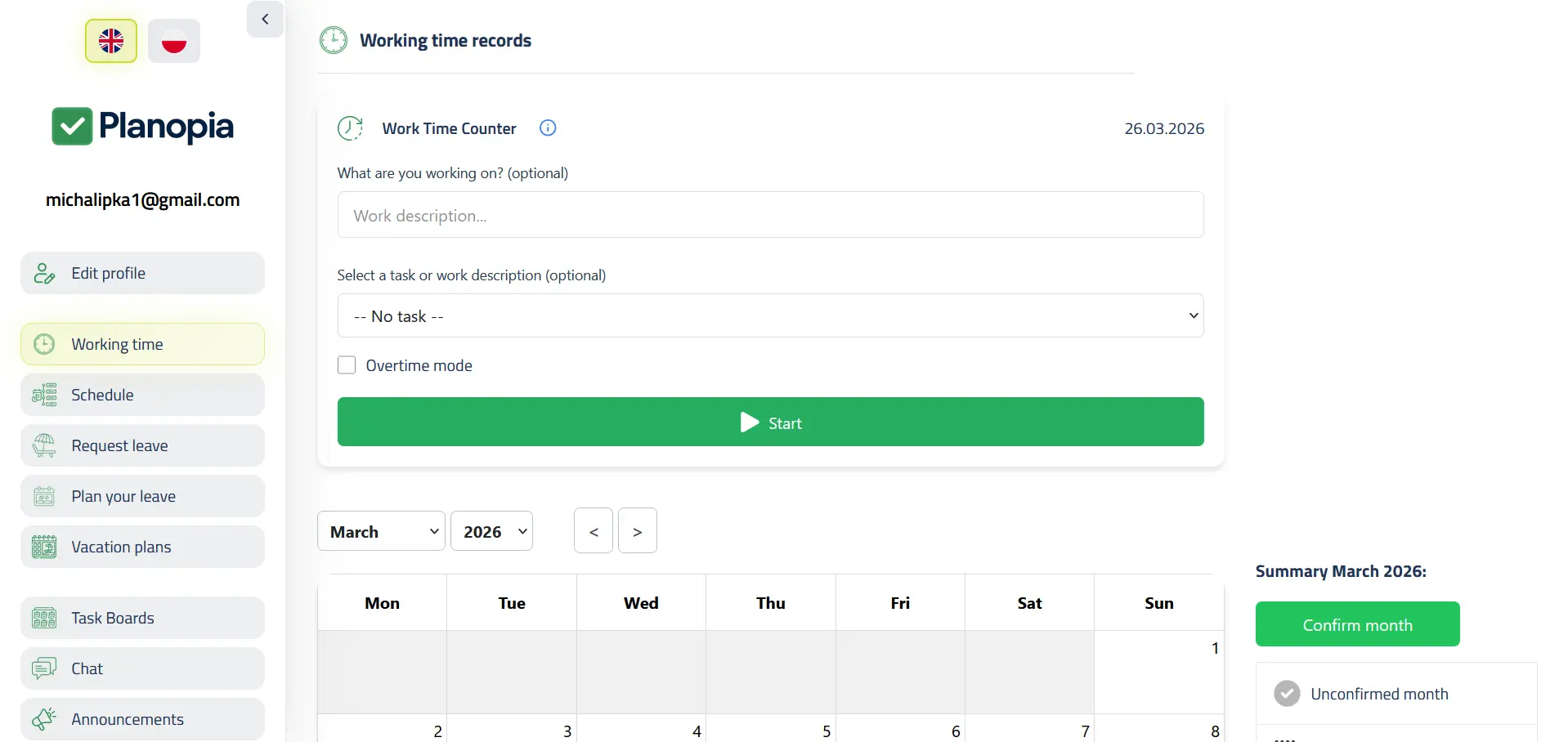
Time clocking in Planopia — app screenshots
Tap a thumbnail to enlarge.
How to start — 3 steps
- Create your free team (30 days of the full app, up to 5 users).
- Generate a QR code for a site or entrance — print it or show it on a tablet.
- People scan with their phone, and the hours flow into your records.
How much does QR time clocking cost?
The timer and QR codes are a paid module — plain time records also work on the free tier:
- 30 days of the full app free (up to 5 users), with QR and the timer included.
- After the trial: the “Timer and QR” module on a Core plan for 39 PLN net/month — from 108 PLN in total (Core for up to 5 users 69 PLN + the module).
- Or a PRO (from 189 PLN, up to 15 users) or Business (479 PLN, up to 100 users) package, where it is included.
The free tier keeps manual time records for up to 5 active accounts, with the monthly calendar and timesheet printouts (PDF/XLSX), but without QR or the timer. Annual billing: you pay for 10 months instead of 12.
Frequently asked questions
Is an attendance sheet enough instead of time records?
No. An attendance sheet only confirms that someone turned up. Time records also have to show start and end times, overtime and night hours, and the type of any absence. QR clocking captures the hours, so it builds records rather than just a list.
Do I need a scanner or extra hardware?
No. A phone and a printed code are enough. Planopia runs in the browser as a PWA, so there is nothing to install from an app store. Any tablet or phone with a browser can show the code that changes every 30 seconds.
Can someone clock in from home using a photo of the code?
With a plain printout — yes, if they have a photo of it. That is why the code can be shown on a tablet at the entrance: it changes every 30 seconds, so an earlier photo will not work. You can also turn on a location check at scan time — scans away from the site are flagged or blocked.
Does Planopia track employee location?
No. If you turn location on for a code, the phone shares it once — at the moment of the scan. We store the result and the distance from the site, not the employee’s coordinates. Employees see this before the browser asks for permission.
Can I have a separate code for each site?
Yes. Codes are created with a name — one per building site, venue, or entrance. Each entry is saved against a specific code, and unused codes can be deactivated.
Can I get an hours report for a single site?
Yes. In an employee’s calendar, pick a QR location, and the calendar, monthly summary, session list, and PDF or Excel report count only sessions from that location. For the next site, change the filter and export again.
What if someone forgets to scan?
They can add or correct the hours themselves in the time records calendar — QR speeds recording up, but it is not the only way hours get in. For employees without app access, an admin, HR, or a supervisor fills in entries (once that option is turned on in settings).
Is QR clocking available on the free tier?
No. After the 30-day trial, QR and the timer require the “Timer and QR” module on a Core plan (39 PLN net/month) or a PRO or Business package. Manual time records stay free for up to 5 active accounts.
Swap the paper sheet for a scan
30 days of the full app with QR and the timer, then the “Timer and QR” module on Core (39 PLN net/month) or a PRO/Business package.
Create your free team — 30 days free