Industry: construction
Construction time tracking and crew scheduling for building companies
One app for everyday work: time tracking, leave, crew schedules, task boards, and team chat — without spreadsheets or scattered messages. Start with a 30-day full trial, then free time tracking for up to 5 active accounts or paid plans.
What usually breaks construction payroll and planning?
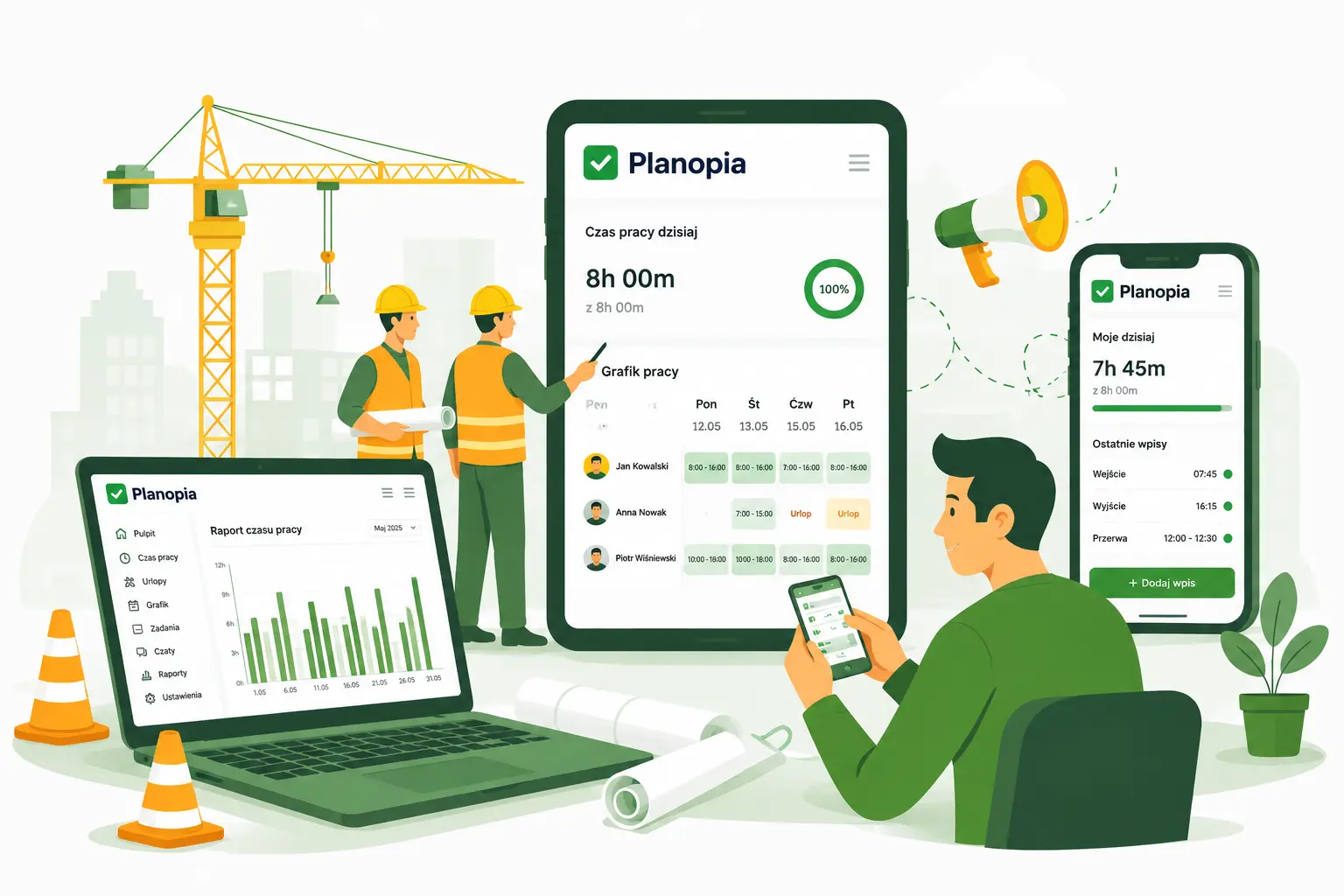
- Chaotic hours and overtime — data split across paper, SMS, and spreadsheets.
- No single view of who was on which site and how many hours they worked.
- Leave and absences agreed “verbally” — hard to staff crews and avoid clashes.
Crew time tracking without every worker logging in
Not everyone on site needs an app account. A foreman or site manager can add no-access workers and run crew time tracking and field reporting from one login — including timesheets on the free plan.
- Add employees without app access — they count toward your seat limit, with no password email or login.
- Timesheets on their behalf — monthly calendar, overtime, PDF and Excel exports for the office or client.
- Schedules, leave, and absences for field staff — on paid plans (after upgrading your account).
Planopia for construction — one place for the team
Planopia is not only leave and time tracking — it is a tool your team uses daily to plan work, communicate, and close out jobs.
- Built for construction crews — foreman or manager adds no-access workers and logs their time; paid plans add schedules, leave, and absences for the whole crew.
- Time tracking — fast entries, monthly calendar, reports, PDF / Excel export.
- Schedules and shifts — plan crews and see coverage at a glance.
- Leave and absences — requests and approvals in the app instead of message threads.
- QR and mobile — log time from the site using a phone browser (PWA); optionally a tablet code that changes every 30 s, location at scan, and an hours report per site.
- Task boards — jobs, checklists, and status for office and field.
- Team chat — decisions and files without losing context in a personal messenger.
AI assistant — less manual crunching
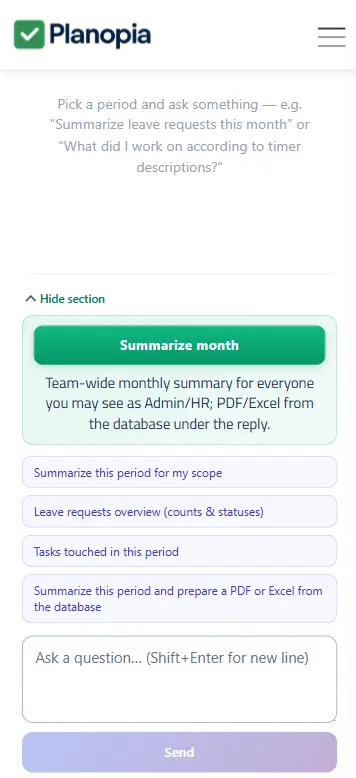
- Summaries of the month across crews and sites.
- Faster spotting of overtime and schedule gaps.
- Help preparing reports with less copy-paste.
Get started in three steps
- Create your free team — 30 days with every module, then a free time tracking tier for up to 5 active accounts or an upgrade.
- Add people with or without app access — set roles: who runs crew timesheets, who approves leave.
- Turn on time tracking and schedules — and optionally boards and chats per site.
FAQ
Does every employee need access to the app?
No. In Planopia a foreman, site manager, or HR user can add employees without app access and maintain their timesheets — ideal for crew payroll and construction site reporting. On the free plan you can manage timesheets for them; schedules, leave requests, and absences on their behalf unlock on a paid plan. Especially popular in construction and field work.
Does it work on phones on site?
Yes. Planopia runs in the browser as a PWA — add it to your home screen and use it comfortably in the field.
Can I export data?
Yes — including PDF and Excel reports for the office or your client.
Can we control overtime?
Yes — you get a clear view of worked hours and overtime in the calendar and reports.
Is it only for leave management?
No. Planopia combines time tracking, schedules, leave, task boards, and chat — one coherent tool for daily operations.
Site and office under control?
30 days full access; then free time tracking (5 accounts) or a paid plan — leave, schedules, chat, AI.
Create your team — 30 days freeVideo tutorials
See Planopia in action
Short clips recorded inside the app — for example, how to add hours in the time log. A great first step right after you create a team.