
No more scattered sheets
Time, leave, schedules, and tasks in one place. No digging through files, emails, and chats.

For companies and teams
A free plan with no time limit for teams of up to 5. Start with 30 days of the full version — leave and schedules included.
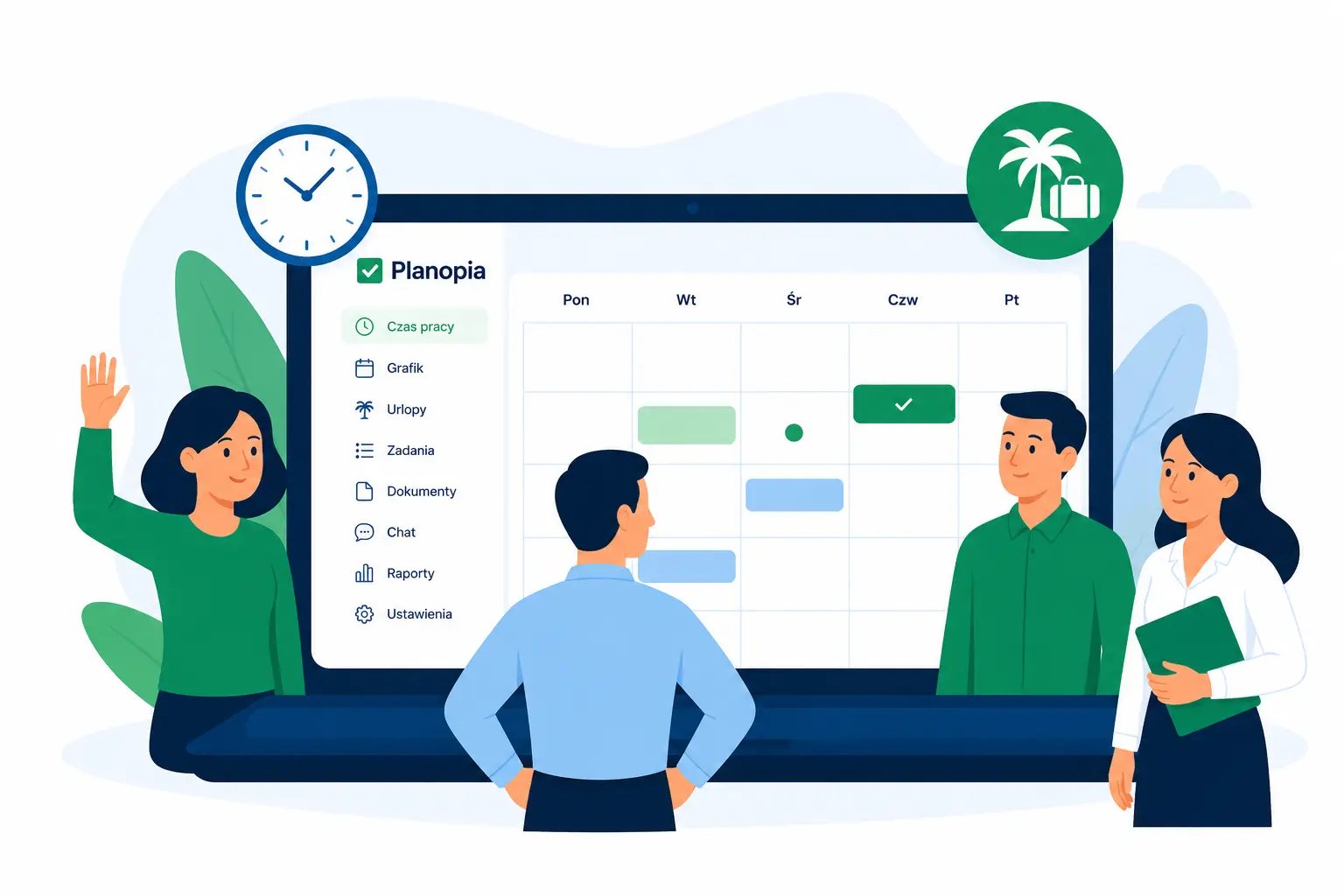
Why not spreadsheets?
Spreadsheets are free until someone has to collect files, rewrite leave requests, and prepare reports.
Time, leave, schedules, and tasks in one place. No digging through files, emails, and chats.
Requests, approvals, change history, and notifications stay inside the app.
What you get in Planopia
Planopia organizes what happens around working time: hours, leave, and schedules. In the same place you get tasks, chat, and the AI Assistant, so everything stays in one place and up to date — and you export reports to PDF or Excel whenever you need them.
The badge shows which plan includes the feature:FreeCore+ moduleEvery plan
Click a badge with an arrow — the pricing calculator will select that feature and work out the price.
One app, many possibilities
From just a few to hundreds of employees — Planopia scales with your organization. One app for time tracking, leave, schedules, and reports, with the AI Assistant and no message limit on every paid plan.

Small teams (1-15 people)
Replace spreadsheets with one simple app for time tracking, leave, and schedules.

Growing companies (15-100+ people)
Organize HR processes, reporting, and team management in one system.

HR & team leads
Less manual work, more automation, reports, and control over the team.
Pricing
Start with 30 days of the full app for free, no card needed. Then pick a plan — or stay on the free plan if you have up to 5 people.
| Feature | Free | Core | PRO | Business |
|---|---|---|---|---|
| Time tracking | ✓ | ✓ | ✓ | ✓ |
| Timesheet printouts | ✓ | ✓ | ✓ | ✓ |
| Leave | — | ✓ | ✓ | ✓ |
| Team overview | — | ✓ | ✓ | ✓ |
| Team reports | — | ✓ | ✓ | ✓ |
| AI assistant | — | ✓ | ✓ | ✓ |
| Notifications | — | ✓ | ✓ | ✓ |
| Timer and QR | — | + $10.57 | ✓ | ✓ |
| Work schedules | — | + $15.99 | ✓ | ✓ |
| Tasks and chat | — | + $15.99 | ✓ | ✓ |
| Phone app | ✓ | ✓ | ✓ | ✓ |
| Security | ✓ | ✓ | ✓ | ✓ |
| Support | ✓ | ✓ | ✓ | ✓ |
| Team size | up to 5 | up to 100 | up to 50 | up to 100 |
| Net price / month | $0 | from $18.70 | from $51.22 | $129.81 |
Let's talk
Have questions or want a demo? Send a message, call, or schedule an online meeting.

Michał Lipka
Creator of Planopia • Implementation & Support
Company details
ML Devworks Michał LipkaRynek Główny 34 lok. 1531-010 KrakówPolandTax ID (NIP): 6762707876REGON: 543372505Contact form
Schedule an online meeting or leave a message — I'll get back to you shortly.
Have questions?
Yes. Every team starts with a 30-day full-product trial — all modules, no credit card required, including the AI Assistant with no message limit. After the trial you can stay on the free plan (up to 5 active accounts) with time tracking and timesheet printouts, or choose a paid plan: Core with leave, team reports and the AI Assistant from 69 PLN net per month. Add schedules, timer and QR, or tasks and chat as modules — or get everything in a PRO or Business package.
No. You can create your account and test everything without a card — just an email address, and your team is ready in a few minutes.
In one place you get work time tracking, leave and absences, work schedules, task boards, and team chats, and you can export data to PDF and Excel reports. Every paid plan also includes the AI Assistant with no message limit.
For small and medium companies — from a few to a few hundred employees. You can add people with or without app access, and a manager or HR can keep timesheets and schedules on their behalf.
Yes. It is a PWA — add it to your home screen and use it like a native app, with push notifications for important updates.
Yes. You can generate time tracking, leave, and schedule reports in PDF and Excel — ready to share with accounting or the company owner. On the free plan you print each person’s timesheet; whole-team reports come with the Core plan.
Yes. We use secure login, encrypted connections, and user roles that limit who can access data. Data is not sent to an external AI model automatically — the AI Assistant only runs when you choose to use it. Then only your question and selected, aggregated account summaries needed for the answer are shared (within your permissions). If you do not use AI, no data is sent to the model. AI Assistant chat history is stored locally in your browser on your device — we do not save the full conversation in our database.
Planopia AI Assistant
Ask once and get answers grounded in your company context: time, leave, tasks, and schedules in one chat. The assistant helps create reports, summaries, leave drafts, and time entries faster — without digging through spreadsheets.
Ask before you sign up
QR codes on job sites, hourly leave, schedules, pricing for your team — the assistant answers from how the app actually works. No question limit, no sign-up.
Pick a topic or type your own question.