Why Choose a Comprehensive Company Management App?
Modern companies need tools that combine different aspects of team management in one place. Instead of using many separate apps – for time tracking, leave management, communication, and project management – you can have everything in one app. This saves time, reduces costs, and increases work efficiency.
Time Tracking and Leave Management
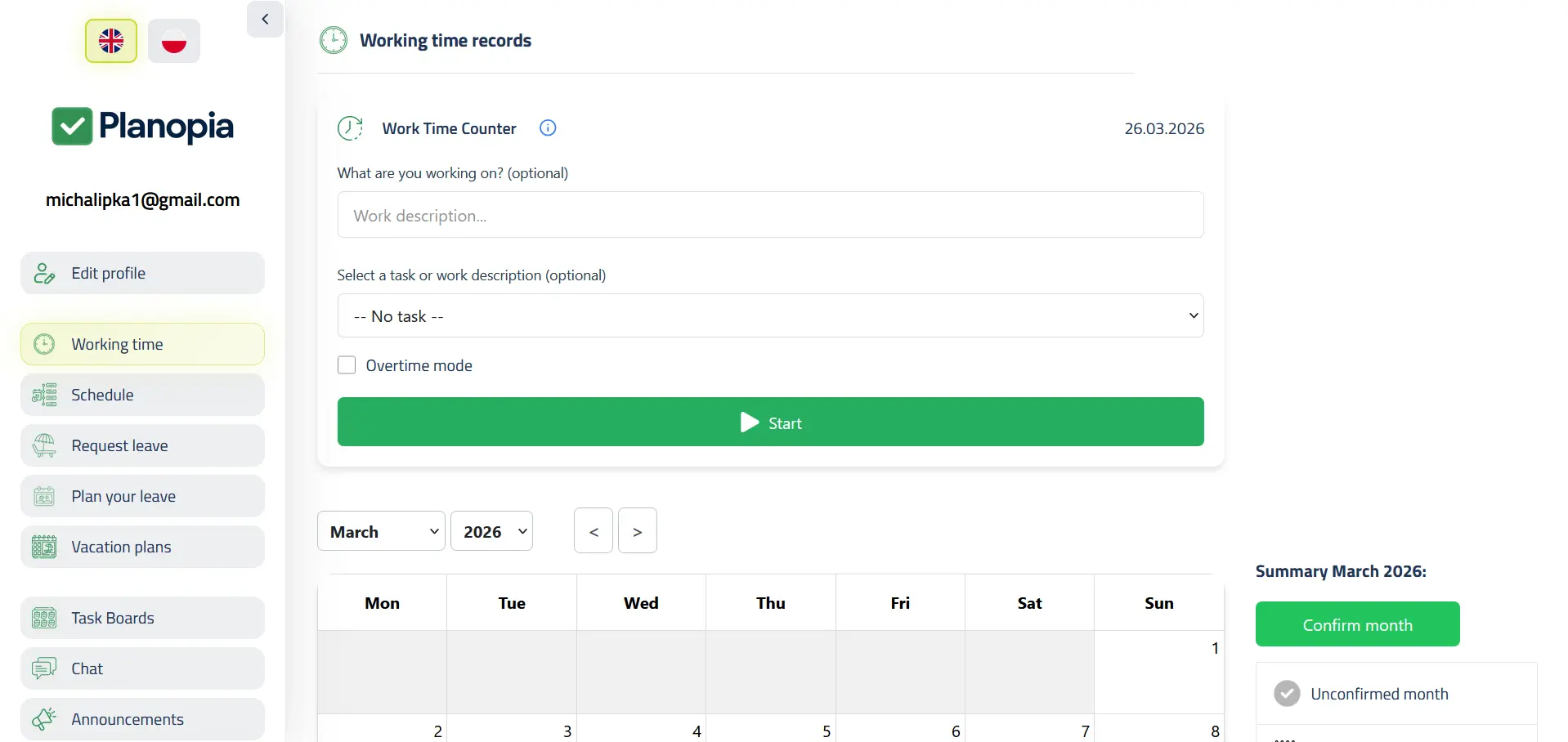
Planopia offers complete time tracking with calendars, overtime, and summaries. Employees can easily record work hours, and managers have access to detailed reports. Leave requests are submitted online, approved with one click, and automatically added to the team calendar. All data can be exported to PDF and Excel.
Work Schedules
The work schedules module allows you to plan and manage schedules for the entire team. You can create schedules months in advance, assign employees to specific shifts, monitor hour coverage, and avoid conflicts. Schedules are visible to the entire team, which increases transparency and facilitates planning.
Chats and Internal Communication
Team chats and department channels enable quick internal communication without the need for external tools. You can create channels for specific departments, projects, or topics. All conversations are in one place, making it easier to track important information and decisions.
Task Boards and Project Management
Task boards let you manage projects and tasks clearly. You can create boards for different projects, assign tasks to team members, track progress, and manage priorities. Everything in one place, without the need for separate tools.
Flexible Role Configuration and Permissions
One of the most important advantages of Planopia is its well-thought-out role logic and the ability to configure permissions. You can create your own roles, assign them specific permissions for individual modules and features. This ensures that each user has access only to what they need, and data security is maintained. The role system is flexible and can be adapted to the specifics of each company.
- Creating custom roles with specific permissions
- Assigning roles to users and departments
- Controlling access to individual modules (time tracking, leaves, schedules, chats, boards)
- Ability to grant permissions for request approval and data management
- Flexible configuration adapted to company processes
Everything in One Place
Planopia combines all these features in one app, which means:
- One login and password for the entire team
- Shared database – all information is synchronized
- Lower costs – you don't have to pay for many separate tools
- Easier implementation – one system instead of several
- Better integration – all modules work together
- More convenient operation – one interface to learn
Who is Planopia For?
Planopia works well for both small teams and larger companies:
- Small teams – 30-day full trial; then free time tracking or paid plans
- Medium companies – unlimited number of users, flexible configuration
- Large organizations – possibility of personalization, integrations, and dedicated environment
- HR and managers – comprehensive tool for team management
Security and Privacy
All data in Planopia is securely stored and encrypted. Secure login, encrypted connections, and access control through the role system ensure that only authorized persons have access to your company's data.
PWA and Mobile Accessibility
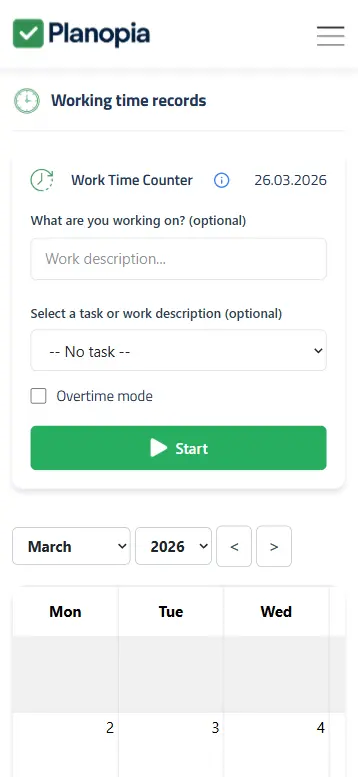
Planopia works as a Progressive Web App (PWA), which means you can add it to your phone or tablet home screen and use it like a native mobile app. All features are available on mobile devices, allowing you to work from anywhere.
Summary
Planopia is a comprehensive company management app that combines time tracking, leave management, work schedules, team chats, task boards, and flexible role configuration. Thanks to well-thought-out role logic and configuration options, you can adapt the app to the specifics of your company. Everything in one place, for your entire team.
Try Planopia free for the first month (up to 5 users) and see how a comprehensive tool can streamline your company management.
Try Planopia – create your free team and begin managing your company in one place.
Frequently Asked Questions
How does the trial work?
You get 30 days with full features for up to 5 users (AI Assistant included, no message limit). After the trial, free time tracking or a paid plan — see pricing.
Does the app enable time tracking?
Yes, Planopia enables time tracking according to typical requirements. The app supports the process of work hours registration, overtime tracking, report generation, and data export to PDF and Excel needed for documentation.Learn more about electronic time tracking.
Can I export data to Excel?
Yes, Planopia allows data export to PDF and Excel formats. You can export work calendars, leave reports, and other data in formats suitable for further analysis or archiving.
Does the app work on mobile phones?
Yes, Planopia works as a Progressive Web App (PWA), which means you can add it to your phone or tablet home screen and use it like a native mobile app. All features are available on mobile devices, allowing you to work from anywhere.
What features does the comprehensive Planopia app offer?
Planopia combines time tracking, leave management, work schedules, team chats, task boards, and flexible role configuration. Everything in one app, without the need for multiple separate tools.